
The Mii tools
Nintendo won't
build for you.
Nintendo removed Mii editing and QR sharing from the web. We built the ultimate replacement — a real-time 3D Mii Creator, Mii gallery with slider parameters, browser-based save editor, and Ryujinx crash fixes.
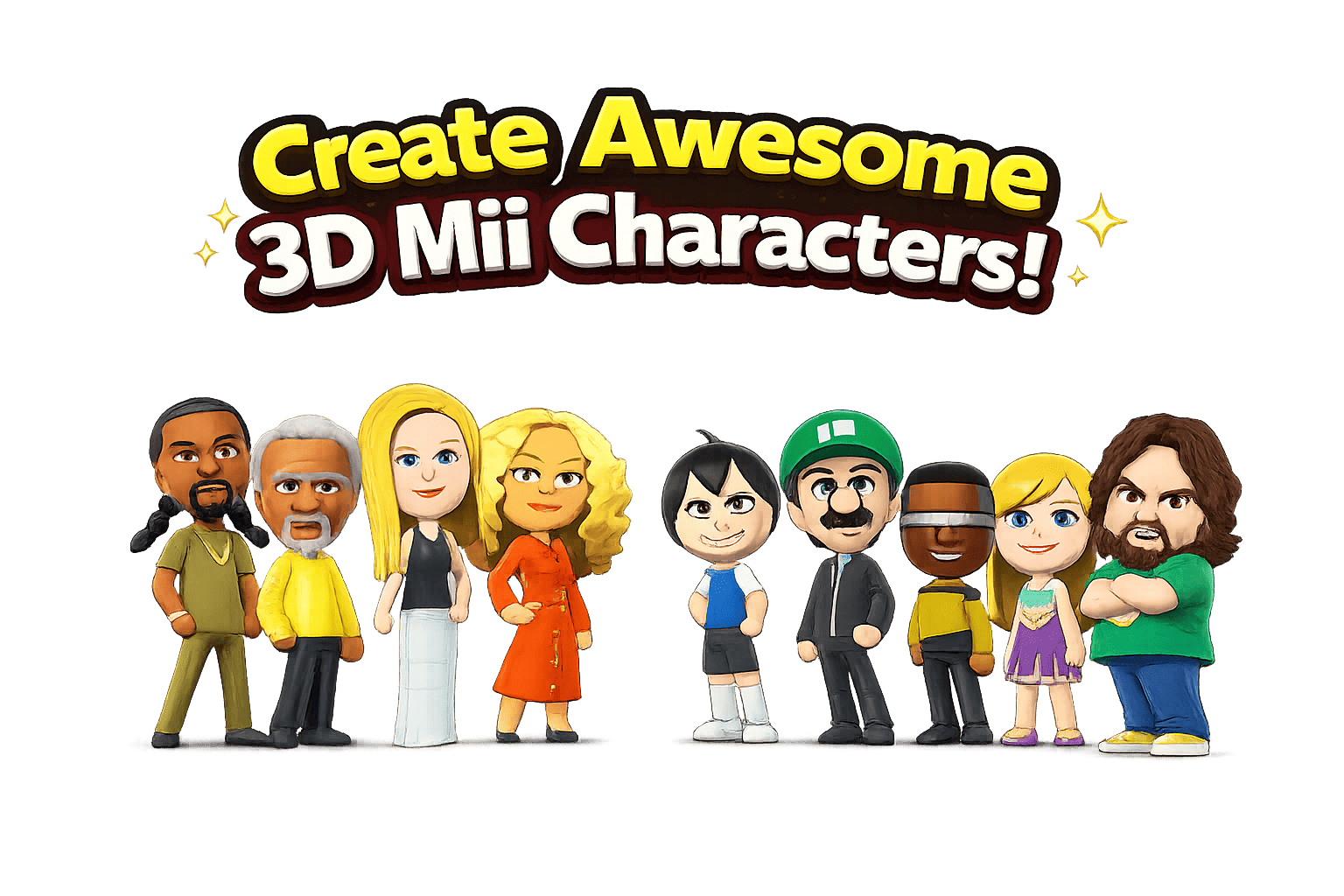
Popular Miis
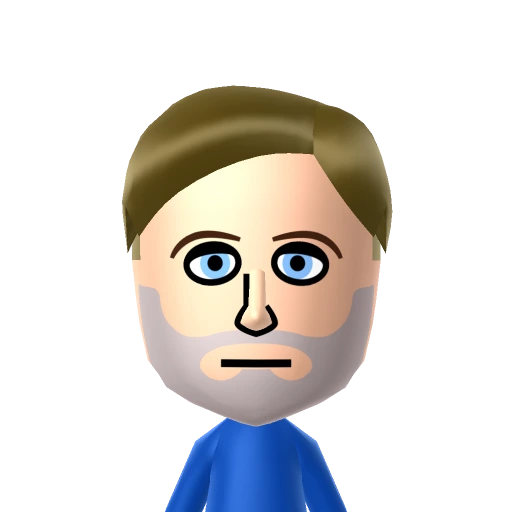
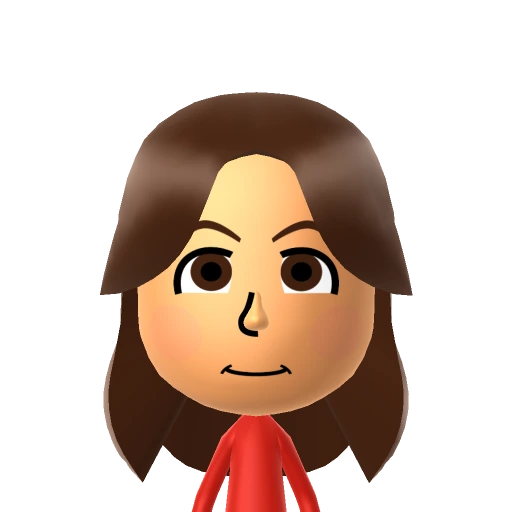
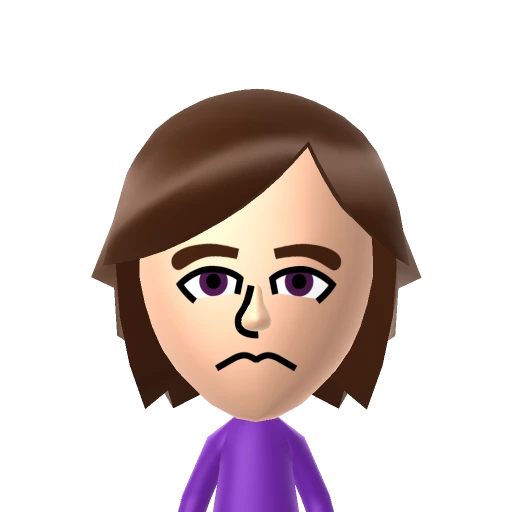
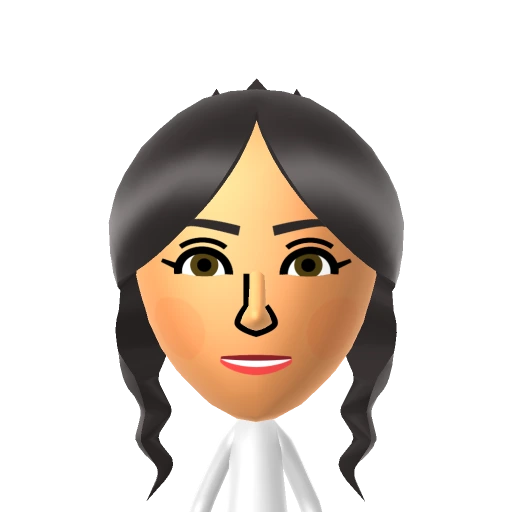
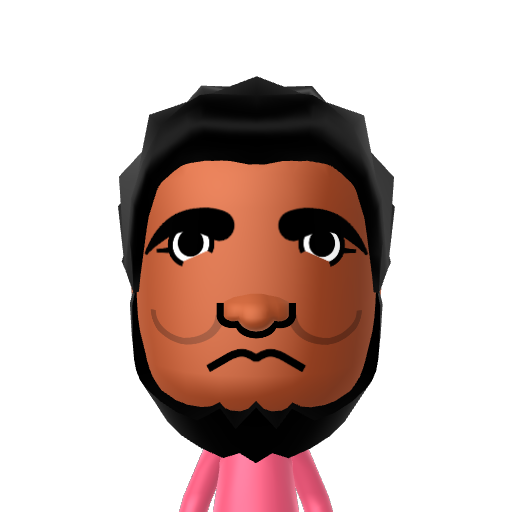
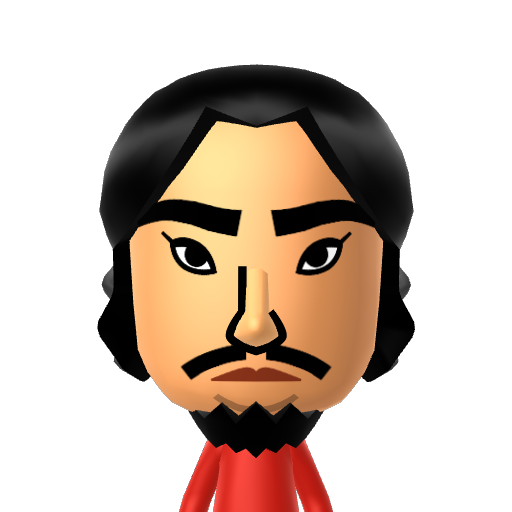
With full slider parameters — because QR codes are gone
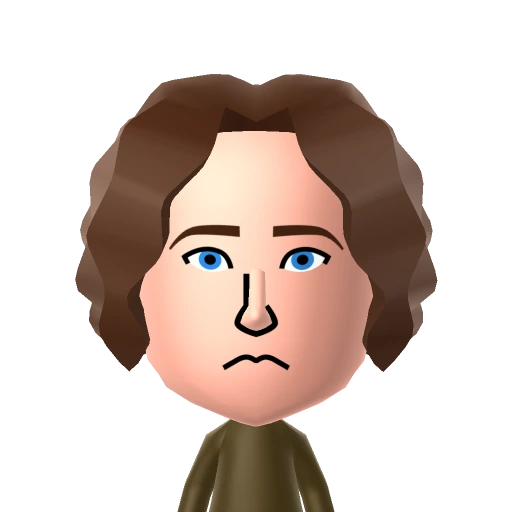
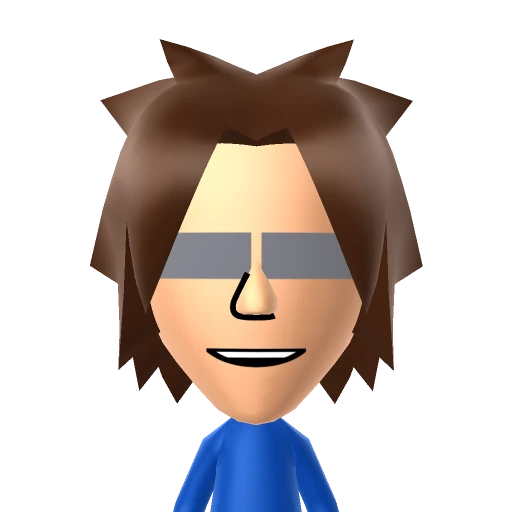
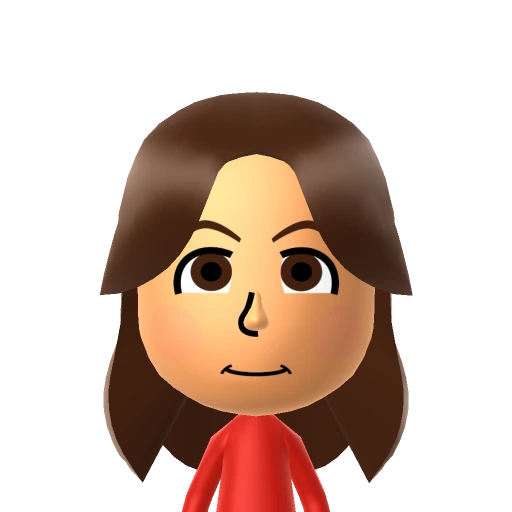


Meet the Next-Gen
3D Mii Creator
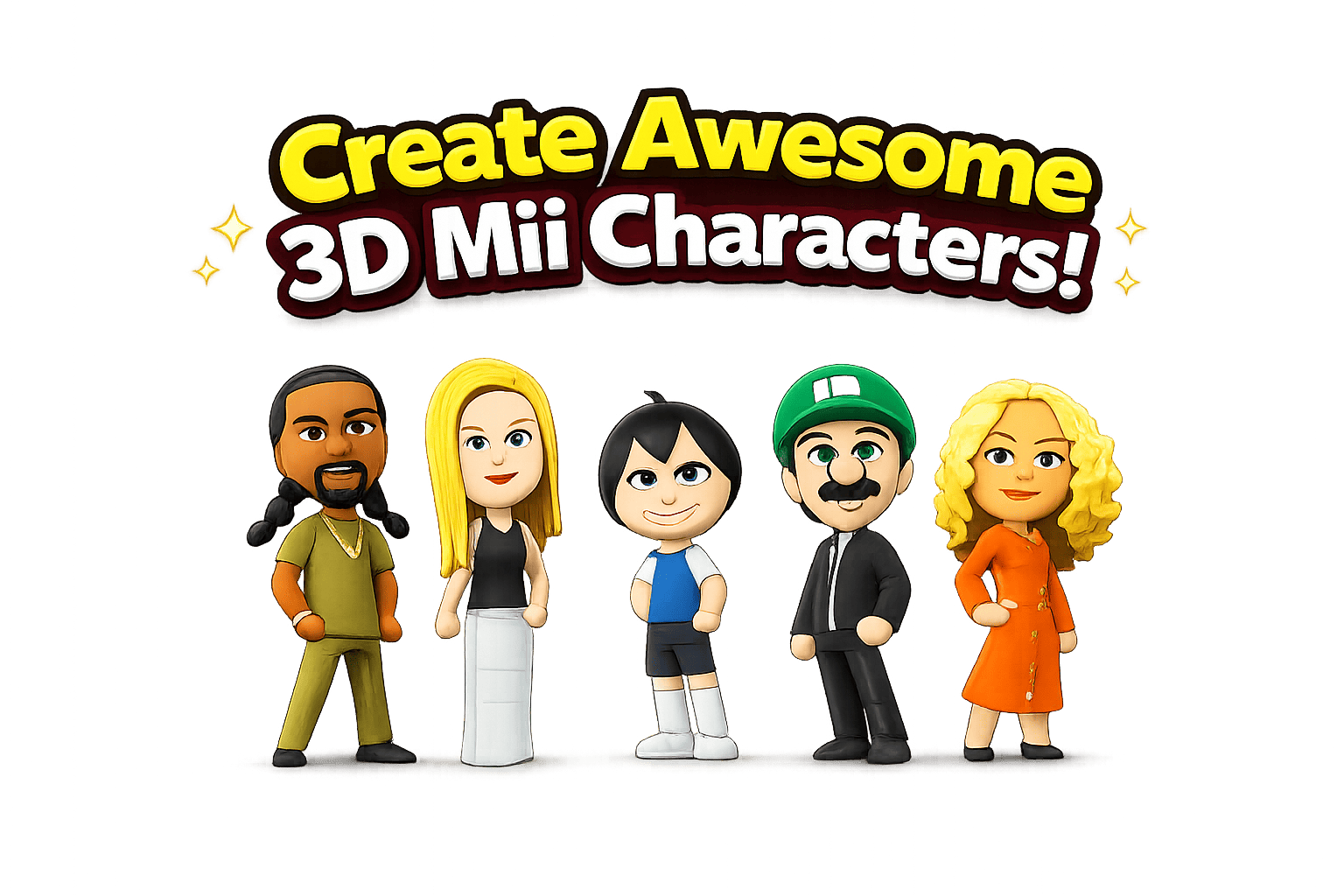
Recreated from the ground up for modern web browsers, the 3D Mii Creator is the ultimate tool for designing custom characters. Since Nintendo removed Mii editing and QR sharing from the web, our editor helps you build custom Miis and outputs exact slider values to recreate them inside the game.
Real-Time 3D Rendering
Interactive canvas powered by WebGL/Three.js showing real-time previews of face shape, features, and textures.
Gender & Mesh Syncing
Switching genders dynamically reloads the underlying clothing meshes to match (trousers vs. dresses) with zero glitches.
Exact Slider Extraction
Provides the exact numeric values of the sliders so you can copy and reproduce them on your console without guesswork.
Everything you need
Latest Guides
All guides →
Tomodachi Life Concert Hall — Complete Song Unlock & Performance Guide (2026) | TomoHub
Master the Concert Hall in Tomodachi Life: Living the Dream. Learn how to unlock all song genres, manage group performances, customize lyrics, and create the best island concerts.
Where to Find Tomodachi Life Save File — Save Editor Guide | TomoHub
Find your Tomodachi Life save file for the online save editor. Step-by-step paths for Ryujinx (Switch) and Lime3DS (3DS), plus a quick Windows search trick.
How to Share Miis in Tomodachi Life: Living the Dream (2026) | TomoHub
Nintendo removed QR codes and online Mii sharing from Living the Dream. Here are all the working workarounds to get celebrity Miis onto your island.
Why Tomodachi Life: Living the Dream Players Need TomoHub
Tomodachi Life: Living the Dream launched in April 2026 as the long-awaited sequel to the beloved Nintendo 3DS title. Millions of players returned to the series expecting the same QR code sharing system that made the original so social — the ability to scan a QR code and instantly add any Mii to your island. Nintendo removed that feature entirely from Living the Dream.
The only official method for sharing Miis in Tomodachi Life: Living the Dream is local wireless transfer, which requires two Nintendo Switch 2 consoles physically in the same room. For a game built around collecting celebrity Miis and building a community island, this is a significant limitation. Players on Reddit immediately began asking: how do I get QR codes to work? How do I share Miis online? How do I import the Miis I had on 3DS?
TomoHub was built specifically to fill this gap. Our Mii gallery provides complete slider parameters for every character — the exact numeric values for every facial feature, hair style, and body proportion. Instead of scanning a QR code, you open the Mii creator in Living the Dream and set each slider to match. It takes a few minutes, but it works with the game exactly as Nintendo shipped it.
Beyond the Mii gallery, TomoHub offers the only browser-based save editor for Tomodachi Life: Living the Dream. Every other save editing tool requires downloading a Windows executable. Our editor runs entirely in your browser — your savedataArc.txt file is read locally using the Web File API and never uploaded to any server.
The QR Code Problem in Living the Dream
Nintendo's decision to remove QR code import from Tomodachi Life: Living the Dream was likely driven by the Switch 2's updated Mii format. The new Mii creator offers more customization options than the 3DS version, and the underlying data structure is different enough that direct QR code compatibility would have required significant engineering work.
The result is that the entire library of 3DS QR codes — millions of Miis shared by the community over more than a decade — cannot be imported into Living the Dream. Sites that built their value around QR code sharing found their core feature broken for the new game.
TomoHub takes a different approach. Rather than relying on QR codes, we document the slider parameters for each Mii. Every Mii in our gallery has a complete parameter table: face shape value, skin tone number, eye type and size, eyebrow style and position, nose type, mouth style, hair type and color, and body proportions. These are the actual numeric values from the Mii creator sliders, calibrated specifically for Tomodachi Life: Living the Dream on Nintendo Switch 2.
This approach works with any version of the game — emulator or original hardware, any region. The slider parameter system is our core differentiator, and it's why TomoHub is the most useful Mii resource for Living the Dream players.
How to Use TomoHub
Browse the Mii gallery and find the character you want. Every Mii page shows the complete slider parameter table — face shape, eyes, eyebrows, nose, mouth, hair, and body proportions.
Open the Mii creator in Tomodachi Life: Living the Dream. Work through each category and set each slider to the value shown in the parameter table. Takes 3–5 minutes per Mii.
Drop your savedataArc.txt into the browser-based save editor to modify gold, unlock items, or inject Miis directly. No download, no install — everything runs in your browser.
Tomodachi Life: Living the Dream — What You Need to Know
Tomodachi Life: Living the Dream is the 2026 sequel to the original Tomodachi Life, released exclusively for Nintendo Switch 2. The game brings back the beloved life simulation formula where Mii characters live on an island, develop personalities, form relationships, and create unexpected moments. Tomodachi Life: Living the Dream expands on the original with new personality types, more island locations, expanded food and clothing options, and deeper Mii interactions.
In Tomodachi Life: Living the Dream, each Mii has a unique personality determined by a personality chart with multiple axes. The Tomodachi Life personality system affects how Miis interact, what foods they prefer, how they behave in relationships, and what activities they enjoy. Understanding Tomodachi Life: Living the Dream personalities is key to creating a thriving island community. Players can set personality types when creating Miis using the slider parameters in the Mii creator.
The Tomodachi Life: Living the Dream island layout features apartments where Miis live, shops where they buy food and clothing, a concert hall for musical performances, a beach, an amusement park, and several new locations unique to Living the Dream. Players can have up to 100 Mii residents on their Tomodachi Life island — the Mii limit in Living the Dream matches the original 3DS game. Each Mii needs an apartment, and managing island names, relationships, and daily activities is the core gameplay loop.
One of the most discussed changes in Tomodachi Life: Living the Dream is the removal of QR code support. The original Tomodachi Life on Nintendo 3DS allowed players to scan QR codes to import Miis instantly. In Living the Dream, Nintendo replaced this with local wireless Mii sharing, which requires two Nintendo Switch 2 consoles in close proximity. This means online Mii sharing through QR codes is no longer possible in Tomodachi Life: Living the Dream, and players must use alternative methods like slider parameters to recreate Miis manually.
Tomodachi Life: Living the Dream is available at major retailers including GameStop, Walmart, and the Nintendo eShop. The game launched in April 2026 alongside the Nintendo Switch 2 console. Players who previously enjoyed Tomodachi Life on 3DS, Tomodachi Life on DS, or the Tomodachi Life demo will find Living the Dream to be a significant upgrade in graphics, features, and island customization options.
Tomodachi Life Save Editor — Edit Your Save File Online
The TomoHub save editor is the first browser-based save editor for Tomodachi Life: Living the Dream. Unlike desktop save editors that require downloading executables, our Tomodachi Life save editor runs entirely in your browser. Your savedataArc.txt file is processed locally using the Web File API — it never leaves your device, is never uploaded to any server, and is never stored anywhere. This makes it the safest way to edit your Tomodachi Life: Living the Dream save file.
The save editor currently supports editing gold (money) in your Tomodachi Life: Living the Dream save file. The gold value is stored at offset 0x1E4BB8 as a 32-bit little-endian unsigned integer. The maximum gold in Tomodachi Life: Living the Dream is $9,999,999 — the game engine enforces this cap regardless of the raw value in the save file. You can also edit your island name, which is stored at offset 0x1E4BCC as UTF-16LE text, up to 10 characters.
The Tomodachi Life save editor works with saves from Ryujinx (the Nintendo Switch emulator running Living the Dream), Lime3DS (the actively maintained Citra fork for 3DS Tomodachi Life), and the original Citra emulator. All three emulators store the Tomodachi Life save in the same binary format, so the same offsets apply across platforms. Future updates to the save editor will add Mii injection (importing Miis directly from our gallery into your save file), relationship editing, clothing unlock, and food preference modification.
ShareMii — The Ultimate Share Mii Web Tool
ShareMii is a fully browser-based application designed to help you share Mii characters directly from your Tomodachi Life save files. Whether you want to export an .ltd file or import a friend's creation, our Share Mii web platform makes it incredibly easy to share Mii data without ever leaving your device.
ShareMii processes your Mii.sav and Player.sav entirely inside your browser. Our Share Mii web tool ensures your data is never uploaded, keeping your saves perfectly secure. It accepts your save archives directly — just drag and drop your zip file, and the Share Mii web tool will instantly locate the Mii.sav and Player.sav files inside.
You get complete per-slot control. Use our Share Mii web interface to export an individual character or import someone else's ShareMii file into any empty slot. After you make your changes, ShareMii packages everything back into a clean zip for easy restoration to your console or emulator.
Mii Gallery — QR Code Alternative with Slider Parameters
The TomoHub Mii gallery is the most comprehensive collection of Mii slider parameters for Tomodachi Life: Living the Dream. Since Nintendo removed QR code import from Living the Dream, the only way to share Miis online is through slider parameters — the exact numeric values for every setting in the Mii creator. Our gallery provides these slider parameters for every Mii, making it the definitive QR code replacement for Tomodachi Life: Living the Dream.
Each Mii in the gallery includes complete slider parameters covering face shape and size, skin tone, hair type and hair color, eye type, eye size, eye spacing, and eye vertical position, eyebrow type, eyebrow size, and eyebrow position, nose type and nose size, mouth type and mouth size, and body proportions including height and weight. These slider parameters are calibrated specifically for the Tomodachi Life: Living the Dream Mii creator on Nintendo Switch 2.
The Mii gallery covers characters across multiple categories: Games (Mario, Luigi, Link, Pikachu, Sans, and more), Anime and Manga characters, Movie and TV characters (Batman, Joker, Darth Vader), Music artists (Michael Jackson), Celebrity figures (John Cena, Bob Ross), Sports personalities, and Historical figures (Einstein). Every Mii includes tags for easy searching, community upvotes to surface the most accurate recreations, and a direct link to the save editor for future Mii injection support.
For players searching for Tomodachi Life QR codes, Tomodachi Life Mii sharing, or how to share Miis in Tomodachi Life: Living the Dream — slider parameters are the answer. The QR code system from the 3DS era is not compatible with Living the Dream, but slider parameters work with every version of the game on every platform. Browse the full Mii gallery to find your favorite characters with complete slider parameters for Tomodachi Life: Living the Dream.
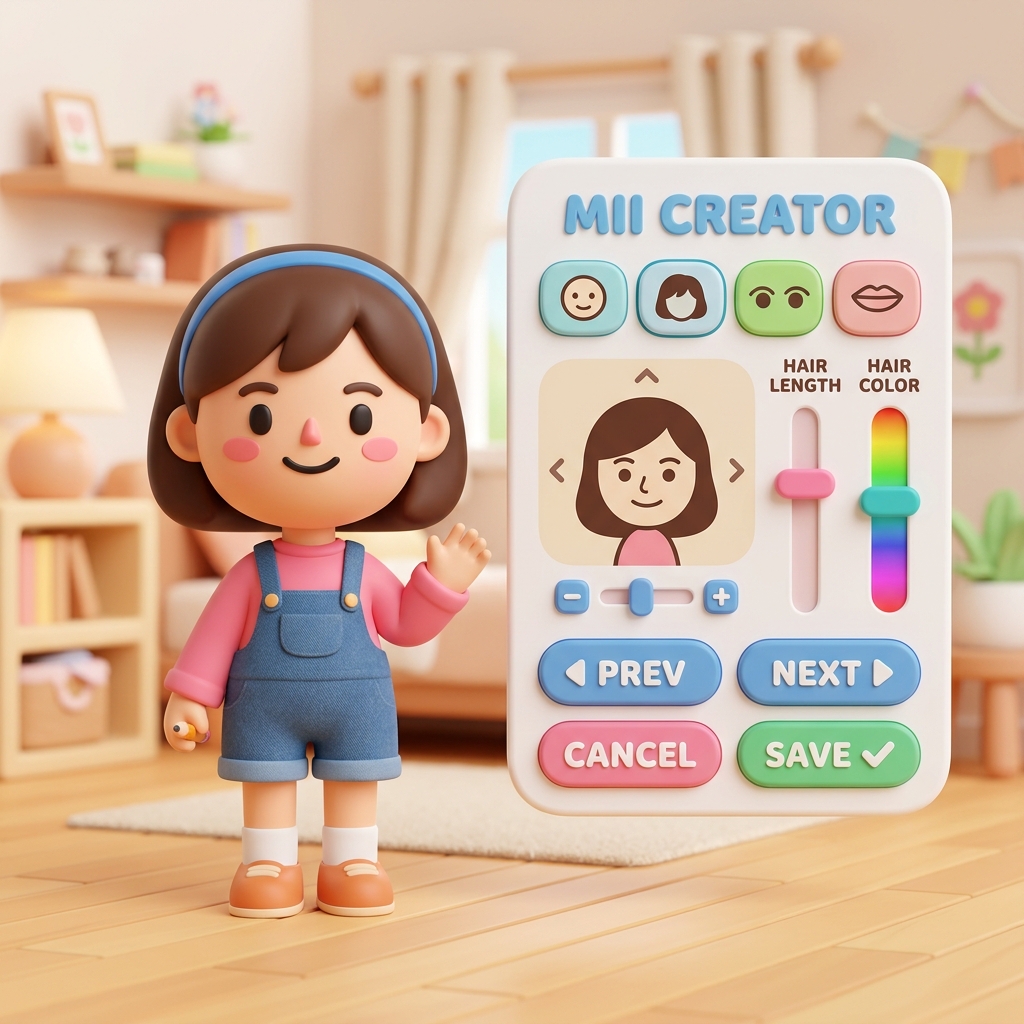
Playing Tomodachi Life on PC — Ryujinx, Lime3DS & Emulator Guides
Many players experience Tomodachi Life: Living the Dream through the Ryujinx emulator on PC. Ryujinx is a Nintendo Switch emulator that can run Living the Dream, but it requires specific configuration to avoid crashes and performance issues. The most common problem is the Ryujinx AudioRenderer crash, which causes Tomodachi Life: Living the Dream to crash on startup or during gameplay. Our Ryujinx crash fix guide walks you through the exact steps to resolve this issue.
For players who want to play the original Tomodachi Life on PC, Lime3DS (the maintained fork of Citra) and the original Citra emulator both support the 3DS version. The Tomodachi Life 3DS emulator experience is well-established, and our guides cover save file locations, keyboard mapping for comfortable gameplay, and how to find your savedataArc.txt file across all emulators.
Whether you are playing Tomodachi Life: Living the Dream on Ryujinx, Tomodachi Life on Lime3DS, or Tomodachi Life on Citra, TomoHub provides the guides, save editor, and Mii gallery you need. Our tools work with save files from all supported emulators, and our slider parameters work regardless of whether you play on original Nintendo hardware or an emulator.
Frequently Asked Questions — Tomodachi Life: Living the Dream
Does Tomodachi Life: Living the Dream support QR codes?
No. Nintendo removed QR code import from Living the Dream. The original Tomodachi Life on 3DS had a QR code system, but it is not available in the Switch 2 version. The only official Mii transfer method in Living the Dream is local wireless between two Nintendo Switch 2 consoles.
How do I add celebrity Miis to Tomodachi Life: Living the Dream without QR codes?
Use the slider parameters from our Mii gallery. Each Mii page shows the exact numeric values for every slider in the Mii creator. Open the Mii creator in Living the Dream, work through each category, and set each slider to match the values shown. It takes a few minutes but produces accurate results.
What are Mii slider parameters?
Slider parameters are the numeric values that define every visual aspect of a Mii — face shape, skin tone, eye type and size, eyebrow style and position, nose type, mouth style, hair type and color, and body proportions like height and weight. Each slider has a numeric range, and the exact values determine how the Mii looks in Tomodachi Life: Living the Dream.
Is the TomoHub save editor safe to use?
Yes. The save editor runs entirely in your browser using the Web File API. Your savedataArc.txt file is never uploaded to any server — it is read into browser memory locally, modified, and downloaded back to your device. Always keep a backup of your save file before editing.
Where is the savedataArc.txt file for Ryujinx?
In Ryujinx, right-click Tomodachi Life: Living the Dream in the game list and choose 'Open User Save Directory'. The savedataArc.txt file will be in that folder. You can also navigate manually to %appdata%\Ryujinx\bis\user\save\ and find the folder matching the game's title ID.
Does the save editor work with Lime3DS and Citra?
Yes. The save editor supports Ryujinx (Living the Dream on Switch), Lime3DS, and Citra (original 3DS version). All three emulators use the same binary save format with identical offsets for US and EU region saves.
What is the maximum gold in Tomodachi Life: Living the Dream?
The game engine caps gold at $9,999,999. The save field is a 32-bit unsigned integer stored at offset 0x1E4BB8, but the game enforces the 9,999,999 limit in-engine. Setting a higher value will be silently clamped when the game loads.
Can I use 3DS QR codes in Tomodachi Life: Living the Dream?
No. The 3DS QR code format is not compatible with Living the Dream. The Switch 2 Mii creator uses a different data structure with more parameters. Use our slider parameters instead — they are calibrated specifically for the Living the Dream Mii creator.
How accurate are the Mii slider parameters?
Accuracy varies by character. For fictional characters with distinctive features — like Mario, Link, or popular anime protagonists — the parameters are typically very accurate. For real people, the Mii creator's limited options mean the result is an approximation. Community upvotes help surface the most accurate versions.
Does editing my save file risk a ban in Tomodachi Life: Living the Dream?
No. Tomodachi Life: Living the Dream has no online multiplayer or anti-cheat system. The game is entirely single-player. There is no ban risk from save editing.
How do I fix the Ryujinx AudioRenderer crash in Tomodachi Life?
The AudioRenderer crash is a known issue with certain Ryujinx builds. Our guide covers the exact steps to fix it — including which Ryujinx version to use, the correct audio backend settings, and how to configure the emulator for stable Living the Dream performance.
Can I inject Miis directly into my save file?
Mii injection is on the roadmap for the TomoHub save editor. The current version supports gold editing and island name editing. Mii injection — writing Mii data directly into the save file from our gallery — is in development and will ship as a browser-side update.
What Mii categories does the gallery cover?
The TomoHub Mii gallery covers Games (Mario, Link, Pikachu, and more), Anime (Naruto, Dragon Ball, One Piece), Movies (Disney, Marvel, Hollywood), Music (pop stars and musicians), Celebrity (athletes and public figures), Sports, and Historical figures. Every entry includes full slider parameters for Tomodachi Life: Living the Dream.
Does TomoHub work on mobile browsers?
Yes. The Mii gallery and guides work on any browser. The save editor uses standard Web APIs that work in Chrome, Firefox, Safari, and Edge on both desktop and mobile. File drag-and-drop won't work on mobile, but the tap-to-browse fallback will.
How often is the Mii gallery updated?
We add new Miis regularly, typically several times per week. Popular requests from the r/tomodachilife community are prioritized. The gallery currently covers dozens of characters and is growing toward hundreds.
Is TomoHub affiliated with Nintendo?
No. TomoHub is an unofficial fan site. We are not affiliated with Nintendo Co., Ltd. Tomodachi Life and Mii are trademarks of Nintendo. This site exists to fill the gap Nintendo left by removing QR code sharing from Living the Dream.
Nintendo closed the door.
We opened a window.
All tools run in your browser. Your save file never leaves your device. Mii slider parameters for every character in Tomodachi Life: Living the Dream.